How to Play spinserve.io
spinserve.io is a free, browser-based retro ping pong arcade game. Whether you're playing solo against AI, competing with a friend locally, or battling players worldwide online – this guide will get you started in under a minute.
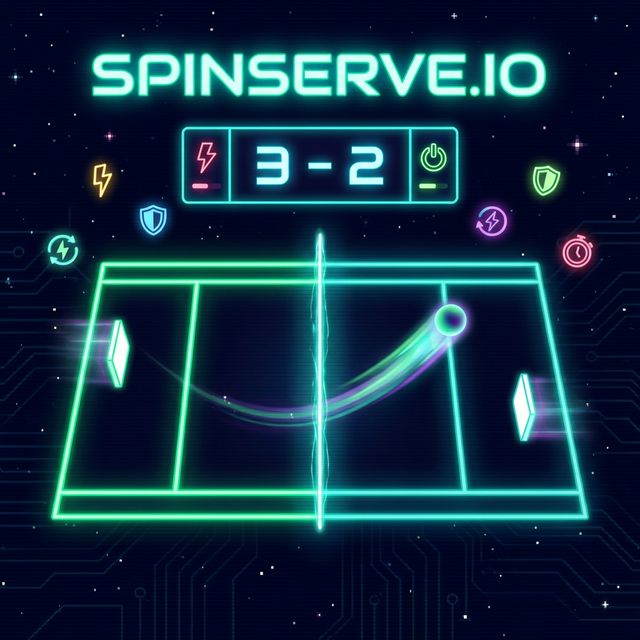
🎮 Getting Started
1 Choose Your Game Mode
From the main menu, pick one of three modes:
- Single Player – Challenge the AI at Easy, Medium, or Hard difficulty
- Local Multiplayer – Two players on one keyboard
- Online Multiplayer – Create or join a lobby to play worldwide
2 Move Your Paddle
Use your assigned keys to move your paddle up and down. Block the ball before it passes you!
3 Release the Ball
The ball starts glued to the left player's paddle. Press your release key to serve it into play. After a point is scored, the ball sticks to the paddle of the player who was scored against.
4 Collect Power-Ups
Power-up projectiles fly across the field periodically. Move your paddle into one to activate special abilities like a larger paddle, speed boost, or a laser gun!
5 Win the Match
Each goal reduces your opponent's health. Deplete their health to zero to win. The first player to run out of health loses.
⌨️ Keyboard Controls
| Action | Player 1 (Left) | Player 2 (Right) |
|---|---|---|
| Move Up | W | ↑ Arrow Up |
| Move Down | S | ↓ Arrow Down |
| Release Ball | E | 0 (Numpad) |
| Fire Laser | E | 0 (Numpad) |
📱 Touch Controls
On mobile devices, touch and slide on your side of the screen to move your paddle. Tap the dedicated on-screen buttons to release the ball or fire lasers.
⚡ Power-Ups Guide
| Power-Up | Effect | Duration |
|---|---|---|
| 🟢 Larger Paddle | Increases your paddle height by 50% | 10 seconds |
| 🔴 Smaller Paddle | Shrinks opponent's paddle by 40% | 10 seconds |
| 💨 Speed Boost | Makes your paddle move faster | 8 seconds |
| 🐌 Slow Paddle | Slows opponent's paddle movement | 8 seconds |
| 🧲 Glue Paddle | Ball sticks to your paddle on contact | One use |
| 💥 Bouncy Paddle | Ball bounces off at 1.3× speed | 8 seconds |
| 🔫 Laser Gun | Fire lasers that shrink opponent's paddle | 3 shots |
🌐 Online Multiplayer Tips
- Create or join a lobby from the Online Multiplayer menu
- Both players must click "Ready" to start the match
- Use the in-game chat to communicate with your opponent
- Lobby settings let you customize max health, ball speed, and paddle speed
- You can pause the game – both players must agree to resume