spinserve.io
Multiplayer Arena
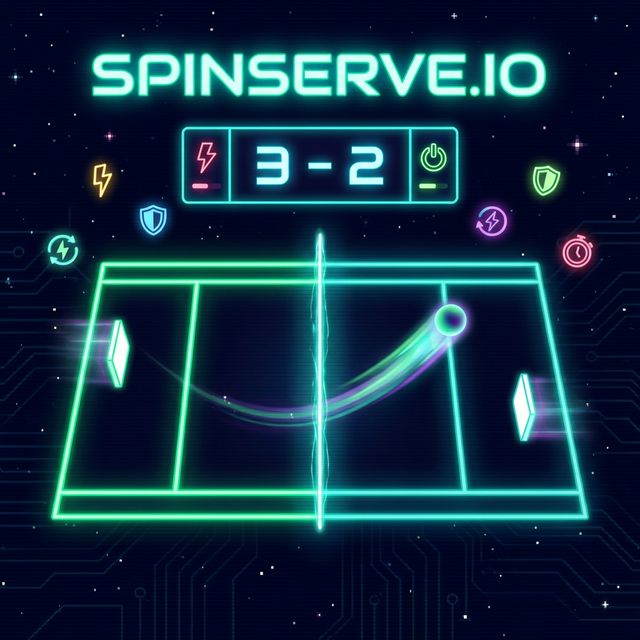
Welcome to spinserve.io – a free, retro-style table tennis arcade game you can play right in your browser! Challenge the AI in single player, compete with a friend on the same keyboard, or battle players worldwide online. Features power-ups, lasers, and smooth physics. No download needed – just play!
- Single Player vs AI – Practice offline against smart AI opponents at easy, medium, or hard difficulty
- Local Multiplayer – Two players on the same keyboard with customizable controls
- Online Multiplayer – Create or join lobbies and battle players worldwide in real-time
- Power-Ups & Lasers – Collect power-ups like speed boost, larger paddle, glue paddle and fire lasers to shrink your opponent
- Gamepad Support – Play with PS4/Xbox controllers or customize your keyboard bindings
- Mobile Friendly – Touch controls and responsive design for smartphones and tablets
❓ Frequently Asked Questions
Can I play spinserve.io offline?
Yes! spinserve.io offers a single player mode where you can play against AI offline. Perfect for practicing your skills without an internet connection.
How do I play local multiplayer?
Select 'Local Multiplayer' from the main menu. Two players can play on the same keyboard using W/S keys for one player and Arrow keys for the other.
Is spinserve.io free to play?
Yes, spinserve.io is completely free to play. No download or registration required – just open the website and start playing instantly.
Does spinserve.io support mobile devices?
Yes! spinserve.io works on smartphones and tablets with touch controls. You can use on-screen buttons or touch slide gestures to control your paddle.
Can I play against other players online?
Yes! spinserve.io features online multiplayer where you can create or join lobbies to play against players from around the world in real-time.
Can I chat with other players?
Yes, spinserve.io features a chat system where you can communicate with other players in real-time.